
For businesses
Stop retyping supplier bills.
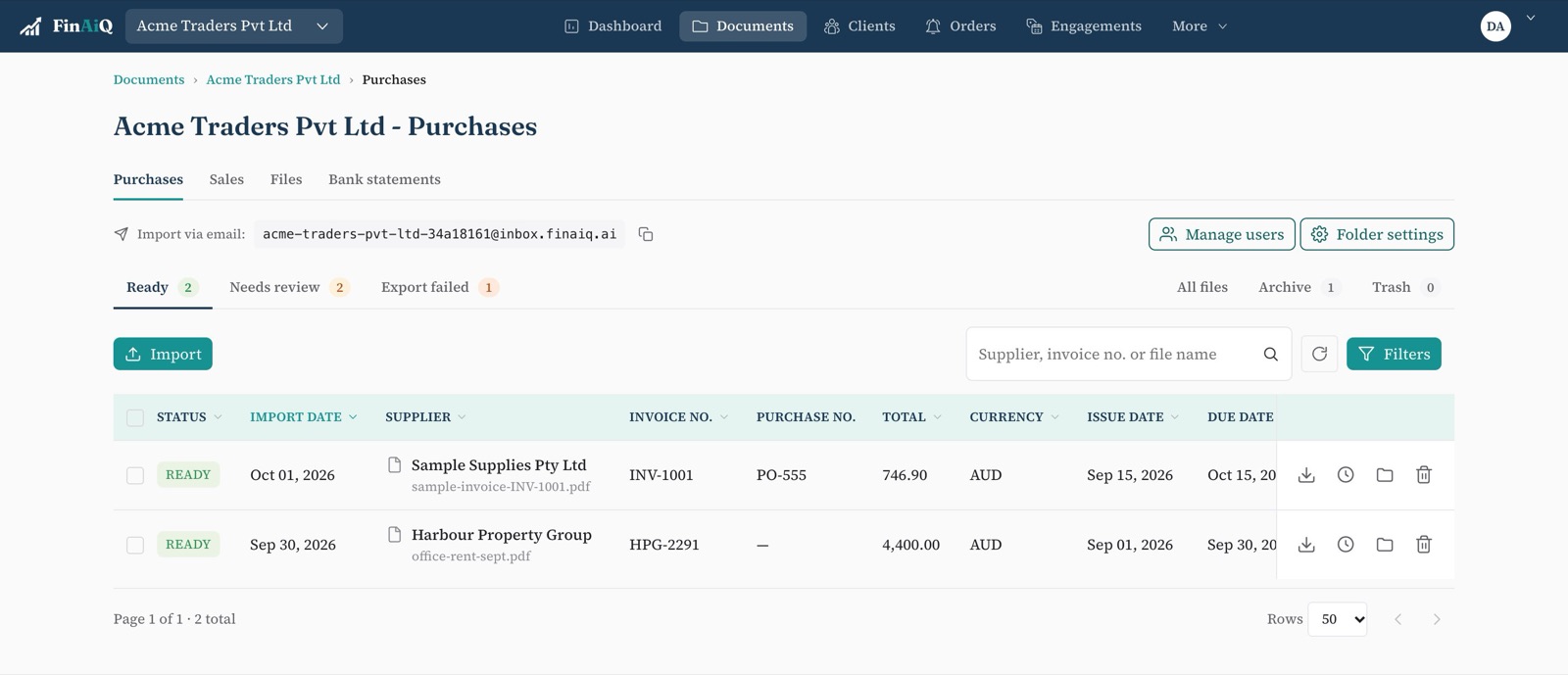
Forward bills to your FinAiQ address or drop them in. It fills in the details, checks them, and sends them to the accounting software you already use.
What changes
No more data entry
Supplier, dates, line items and GST are filled in for you.
No more double-paid bills
A bill that's already in FinAiQ is flagged before it's exported again.
The original is always there
Every entry keeps the PDF it came from, for you and your accountant.
Getting started
- 01
Create an account
Choose a business account and add your company.
- 02
Connect your accounting software
Xero, QuickBooks Online or Zoho Books.
- 03
Send in a few bills
Upload them, forward them by email, send them on WhatsApp or snap them with the mobile app, then review and export.
Try it on this month's bills.
It takes a few minutes to set up.