
Integrations · QuickBooks Online
Bills into QuickBooks, without the typing.
Connect a client's QuickBooks Online company to their folder. FinAiQ reads and checks each bill, then exports the ready ones.
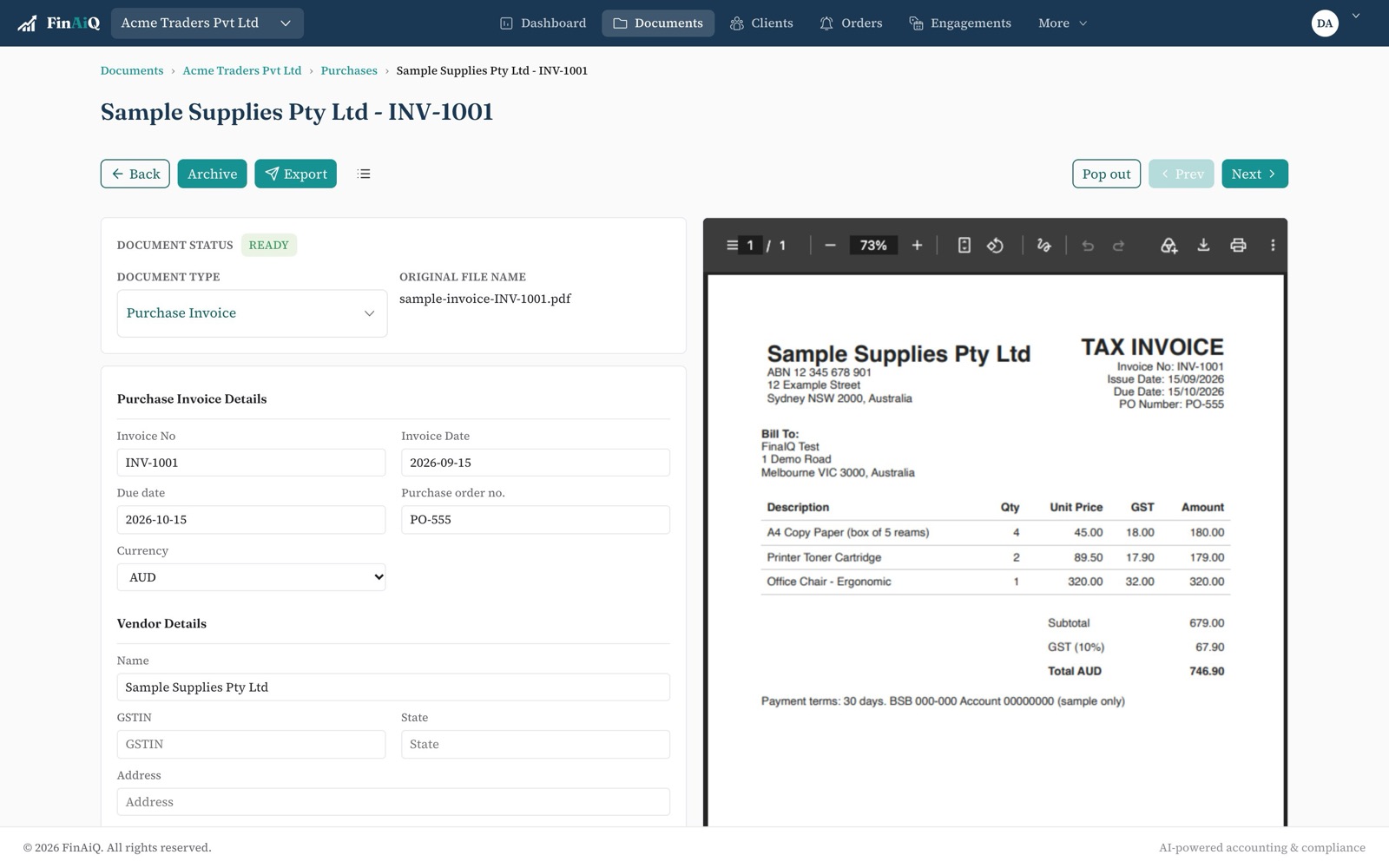
How it works with QuickBooks Online
- 01
Connect the company
Link the client's QuickBooks Online company from the folder's settings.
- 02
Bills are read and checked
Line items, GST and totals are checked against the tax rates in that company.
- 03
Export in one click
Anything QuickBooks rejects lands in Export failed with the reason.
Questions
- Does FinAiQ work with QuickBooks Desktop?
- No. FinAiQ connects to QuickBooks Online.
- Can each client use a different QuickBooks company?
- Yes. Each folder connects to its own company.
Connect QuickBooks Online.
Start a trial and export your first bill.