
Integrations · Zoho Books
Checked bills into Zoho Books.
Connect a client's Zoho Books organisation to their folder. FinAiQ reads and checks each bill, then exports the ready ones.
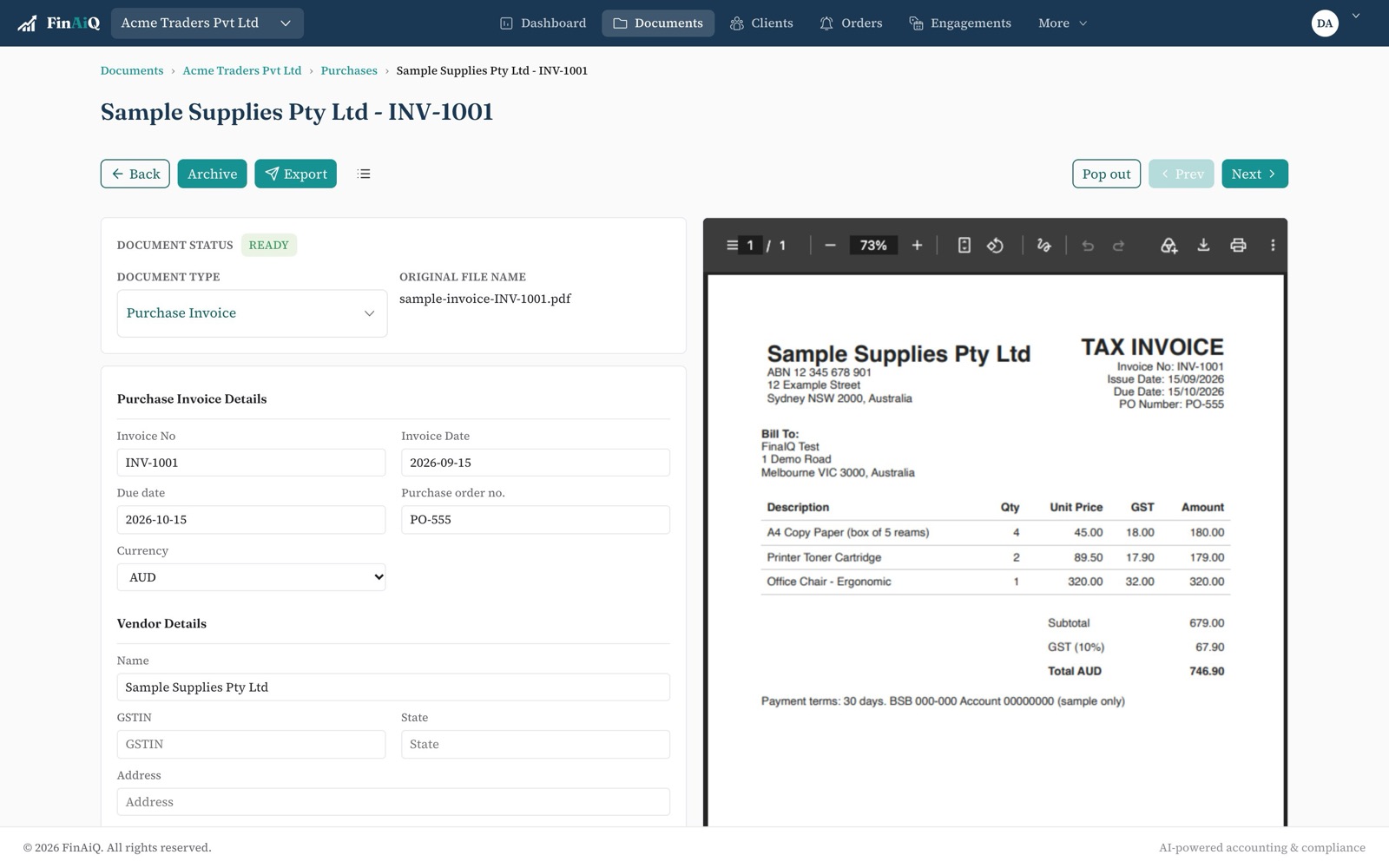
How it works with Zoho Books
- 01
Connect the organisation
Link the client's Zoho Books organisation from the folder's settings.
- 02
Bills are read and checked
Line items, tax and totals are checked against the tax rates in that organisation.
- 03
Export in one click
Anything Zoho Books rejects lands in Export failed with the reason.